Installation
Admin
These steps install Amana on a single server. Complete the prerequisites first.
The commands assume the Amana project folder is at ~/amana. If you use another location, change the paths to match.
1. Lay out the project folder
Copy the Amana project folder to the server. It contains:
amana/
├── addons/      Amana's 25 npo_* modules
├── config/      odoo.conf.example (copy it to odoo.conf in step 5)
├── scripts/     start.sh and other helper scripts
├── data/        uploaded files (created on first start)
└── logs/        server log (created on first start)
The Odoo source goes in amana/odoo/ and the Python environment in amana/.venv/. You create both in the next steps.
2. Install system packages
brew install [email protected] postgresql@17 git
brew services start postgresql@17
Install wkhtmltopdf 0.12.6 (with patched Qt) from the wkhtmltopdf packaging releases. Then check it:
wkhtmltopdf --version # should print: wkhtmltopdf 0.12.6 (with patched qt)
3. Create the database role
Create a PostgreSQL role named odoo that can create databases. You will be asked for a password; you'll need it in step 5.
createuser --createdb --pwprompt odoo
4. Get Odoo and the Python environment
Download Odoo 19 Community and pin it to the version Amana is tested on:
cd ~/amana
git clone --branch 19.0 https://github.com/odoo/odoo.git odoo
git -C odoo checkout b369bef5
Create the Python environment and install Odoo's requirements:
python3.12 -m venv .venv
.venv/bin/pip install -r odoo/requirements.txt
.venv/bin/pip install pdfminer.six   # optional: lets Documents search inside PDFs
5. Write the configuration file
cp config/odoo.conf.example config/odoo.conf
Open config/odoo.conf and set these values:
| Setting | Set it to |
|---|---|
admin_passwd |
Your master password. Replace the example value. |
db_user / db_password |
odoo and the password from step 3. Add the db_password line if it is missing. |
db_name and dbfilter |
Your database name, e.g. nonprofitdb and ^nonprofitdb$. |
addons_path |
~/amana/odoo/addons,~/amana/odoo/odoo/addons,~/amana/addons, written as full paths |
data_dir |
~/amana/data, written as a full path |
logfile |
~/amana/logs/odoo.log, written as a full path |
http_port / gevent_port |
8074 / 8076 |
list_db |
False. Hides the database list on the sign-in page. |
Keep odoo.conf private
The file holds the master and database passwords. It is listed in .gitignore; never commit or share it. The example file ships with a placeholder master password that must not be used on a real server.
Example paths
odoo.conf.example, scripts/start.sh and scripts/init-db.sh contain the paths of the development machine (/Users/appler/projects/NONPROFIT/...). Change them to your own folder.
6. Create the database and install Amana
This command creates the database and installs all 25 Amana modules. You only list the 12 top-level modules; Odoo installs the rest, and the Kenya, Uganda and Tanzania localisations, as dependencies.
.venv/bin/python odoo/odoo-bin -c config/odoo.conf -d nonprofitdb \
  -i npo_administration,npo_subaward,npo_procurement,npo_hr,npo_recruitment,npo_performance,npo_travel_payroll,npo_field_events,npo_fleet,npo_payroll_ke,npo_payroll_tz,npo_payroll_ug \
  --stop-after-init
The command exits on its own when the installation is complete. Check the end of logs/odoo.log for errors before you continue.
scripts/init-db.sh installs only the core
The helper script installs six platform modules (Shell, Organization, Administration, Programs, Grants, Approvals). Use the command above for a complete installation.
7. Start the server
scripts/start.sh
Then open http://127.0.0.1:8074 in a browser.
8. Sign in and check the installation
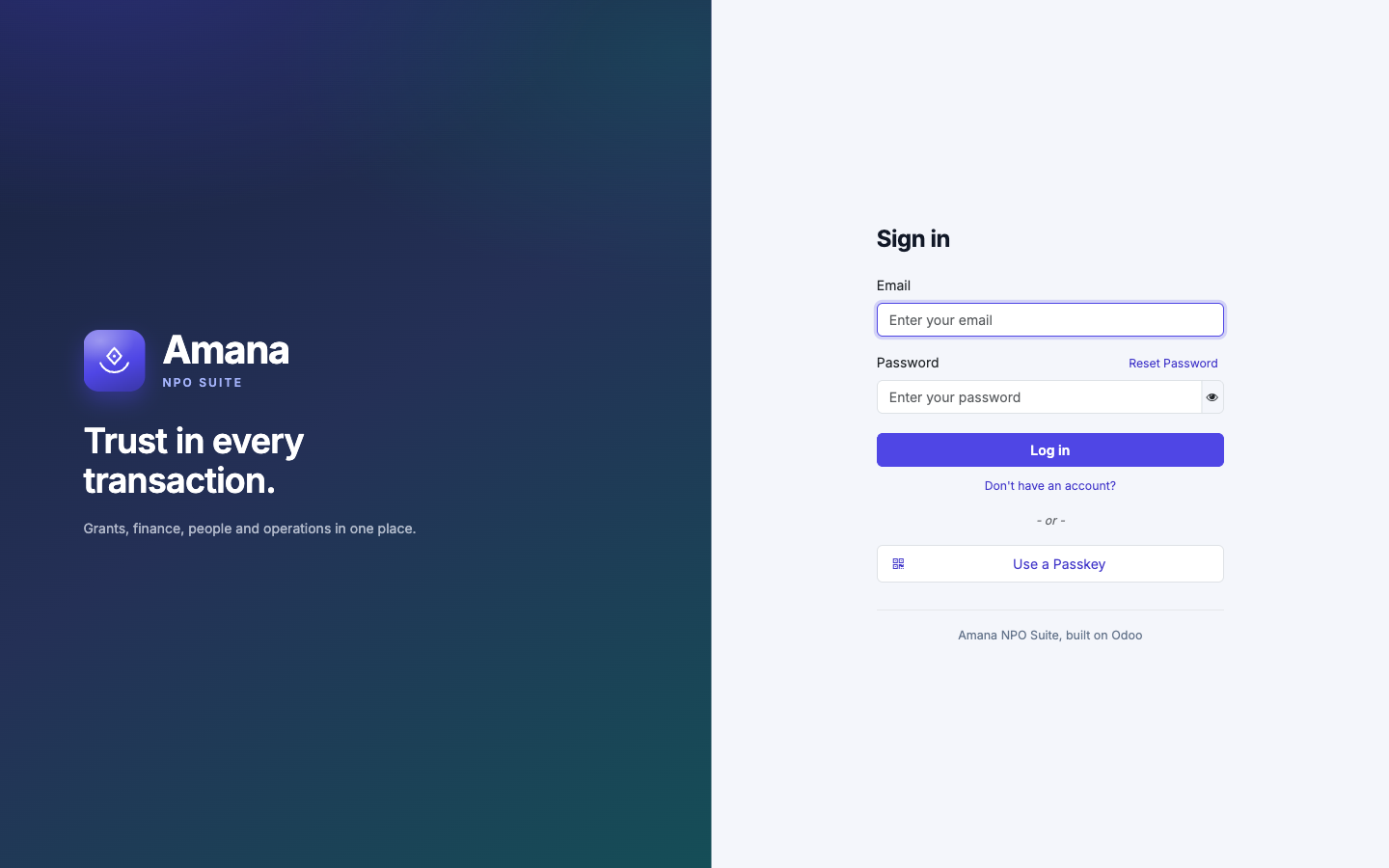
- Sign in as admin with the password admin. Odoo creates this user for every new database.
- Change the password straight away: click your name in the top-right corner, choose My Preferences, open the Security tab and click Change password.
- Check the home screen. A complete installation shows 21 app tiles, from Administration to Travel. You'll also see greyed-out Coming soon tiles for apps on the roadmap; to hide them, go to Administration › System Settings and tick Hide Coming-Soon Applications.
You're ready to set up your organisation. That's covered in the Platform section.
Updating a module
When you receive a new version of a module:
- Back up first. Save the database and the uploaded files:
pg_dump -Fc nonprofitdb -f backups/nonprofitdb-$(date +%Y%m%d-%H%M).dump tar czf backups/filestore-$(date +%Y%m%d-%H%M).tgz -C data/filestore nonprofitdb - Stop the server, then update the module (here
npo_shell):.venv/bin/python odoo/odoo-bin -c config/odoo.conf -d nonprofitdb -u npo_shell --stop-after-init - Start the server again with
scripts/start.sh.
Update one module at a time. Updating several modules in a single command can fail with a database error in npo_approvals.
Troubleshooting
Address already in use when starting
Another program is using port 8074 or 8076. Stop it, or change http_port and gevent_port in odoo.conf.
PDF reports have no header or footer
You are using a wkhtmltopdf build without patched Qt. Install the 0.12.6 patched-Qt build from step 2.
The sign-in page shows a database selector
Set dbfilter to match only your database (for example ^nonprofitdb$) and list_db = False.
Search in Documents doesn't find text inside PDFs
Install the optional pdfminer.six package (step 4) and restart the server. PDFs uploaded before that are not indexed; upload them again to make them searchable.